CADGuru offers Expert SolidWorks CAD Design Services, including modeling, drafting, FEA simulation, automations, & conversions.

CADGURU RESULTS

RESULTS:
– CADGURU Has many repeat clients over the years completing 543 projects (Fall 2025) over 10 years in business.  We have some repeat clients spanning more than 5+ years of collaborative efforts.

– Work is performed in generally half the Expected time, due to Expert Knowledge of SolidWorks, coupled with Strong Design Knowledge, and reporting back solutions, suggestions, or challenges in the design if required.  Response rates are typically same day, up to 24 hours.  Daily responses for ongoing projects if required.

–  CADGURU has staff members that have been training and supporting CADGuru Activities for a long time.  They are Mechanical Engineers and are also highly Certified in SolidWorks. 8 years and running my main design staff member has been working collaboratively with me, and the other has been helping out over a year and a half.  Aside from other support personnel for various activities.  My point being is that we do not rush hire, we have learned a very high level of communication words and phrases that we use to spell out the various tasks, and we keep internal Quality Control notes to ensure a strict adherence to Task/Client preferences and styles, and setups (design wise, or within the SolidWorks software itself).

–  Dez reviews all work, and outlines all tasks and procedures, and does all the communication with the client directly. Dez also reviews work before submission to ensure two man quality review has been performed, and cohesiveness is present, and indicates to team members areas that require improvement. Working in this manner allows us to better serve you, our client with more work power when required, more speedy results, and higher overall quality of design.

BUSINESS RESULTS:

  • Clear and Informative Sales, Production, Purchasing, Welding, and Assembly Drawings makes for ease of quoting from various vendors.
  • More easily readable detailing and drawings also reduces mistakes and errors on the production floor by 30%.
  • Sketch Concepts are converted into models which is easier to view design blind-spots and room for improvement areas, saving on actual production costs further.
  • Site specific dimensions can be incorporated to ensure assembly, and a successful product implementation.
  • FEA can be done, if there are a lot of things going on in the design, to answer specific deflection results, or for Certification purposes, which further stream-lines the proto-type and P.Eng stamping process.
  • Over the years we’ve accumulated a lot of Design intelligence for Machine Design, Sheet Metal and Structural elements, and across various Industries.  We look forward to our next Challenge!

Communication Methods

Quotes, Statement of Work

Payment Structure

Benefits of Working with CADGuru & Associates

    • Working collaboratively with clients, we take the time to understand your business needs and have the flexibility in resources to meet your immediate needs;
    • Your working through our Services gives you the best return on investment without your hiring permanent employees;
    • Our expert associates provide you with the instant knowledge and skills to carry out the work; and
    • We are respectful of others working in a diverse workforce including with your employees and managers. We also expect the same respectful behaviour of clients working with our diverse associates.

I am familiar with Fastened / Riveted / Welded: Sheet Metal, Plate, Structural, Cladding, Piping, Tubing, and Beam Elements. Casted, Forged, Lathed, CNC, + Mechanical Designs for a wide variety of Products in the Mechanical, Industrial and Architectural fields.

Book a Meeting to discuss how I can Support you! Check out my schedule here:

–> CADGuru.Ca/meeting

Competency in the following Computer and Software Programs:

  • Expert knowledge of 2D CAD, 3D software
  • Highly Certified 2D 3D CAD SolidWorks Expert
  • Static Simulation FEA SolidWorks Certified
  • SolidWorks PDM Support Certified
  • SolidWorks Part, Assembly, Drawing files
  • Software Versions Possible: SolidWorks 2015, 2016, 2017, 2018, 2019, 2020, 2021, 2022, 2023, 2024+
  • PDF, DXF, DWG, ACAD, eDrawings, .stp, and .iges files
  • Office 365, Microsoft Outlook, Word, Excel, PowerPoint
  • Adobe, Asana, Harvest, HubSpot, DropBox
  • Online Zoom, Teams, WhatsApp,
  • In Voice: Direct, Mobile Cellular and VOIP Calls

WHAT CADGURU CAN DO FOR YOU!

Expert CAD Services

CADGuru offers a variety of Professional SolidWorks Mechanical CAD Services so that you can focus on innovation and managing your business.  We work with clients and organizations all across Canada and around the world.

CAD Conversion & Updating

CADGuru can convert PDF’s or AutoCAD 2D (DWG / DXF) drawings into realistic and exact 3D models. Designs can then be updated based on new information, or design intent clarified.

3D Modelling & Drafting

Need support completing designs, modifying existing ones, or providing meaningful sales information? Maybe you’re trying to figure out how to make something cheaper?

Motion & FEA Analysis

Get an inside look at your designs concepts. Do they meet certifying design parameters? Range of Motion, and Interference studies are also possible. Do you need Simulation Results as a Secondary study for P.Eng Stamping Purposes?

SolidWorks Automation Support

Perhaps you’d like to streamline processes and Automate the entire sales or production drawings? Create unique drawings based on pre-defined parameters “on the fly” using, in the box, SolidWorks Features!

An Experienced & Qualified Leader

Get solutions to your SolidWorks problems from a team of highly qualified and certified SolidWorks Experts, with Extensive in the field Mechanical, Industrial and Architectural CAD Experience to support you, your team and designs.
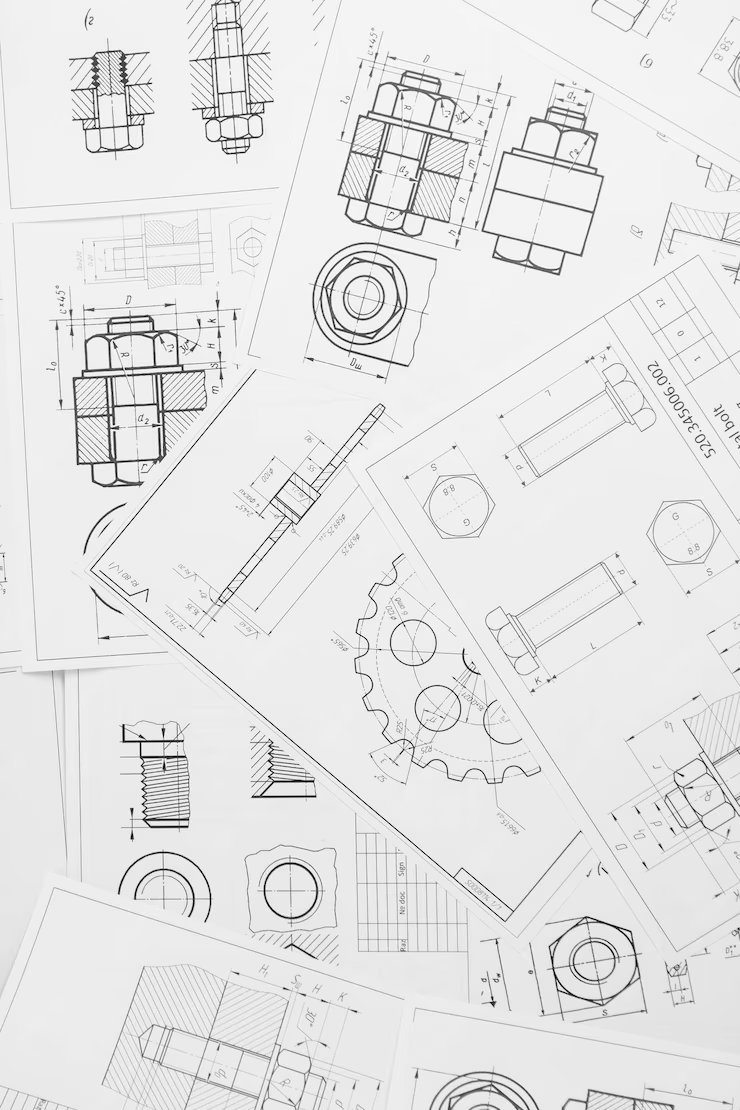
INDUSTRIES and Job Functions

CADGuru server many different roles within a company, to support a wide variety of company objectives.

OUR CLIENT TESTIMONIALS

NEED CAD AND DESIGN HELP? BOOK CALL WITH DEZ TODAY !

VIEW MORE CAD KNOWLEDGE AND TRAINING BLOGS

Automation Parts SolidWorks Weldments

Performance Hack #018 : Part Automation : Weldment Profile

Assemblies Parts SolidWorks Top Performing

Performance Hack #007 : Parts Assemblies : Fully Define A Sketch

IT Performance SolidWorks

Performance Hack #019 : IT Solidworks Performance : How to set Windows Defender Exceptions

Automation Drawings SolidWorks

Performance Hack #017 : Drawings Automation : Importing Dimensions and Tolerances from Part to Drawing

Drawings SolidWorks

Performance Hack #001 : Drawings : Link Custom Property Watermark

Automation File Admin SolidWorks

Performance Hack #010 : File Admin Automation : Managing Files

Assemblies Parts SolidWorks

Performance Hack #020 : Parts Assemblies : Working With Sketch Pictures

Installation IT Repair SolidWorks

Performance Hack #013 : IT Installation : Repair Solidworks

Fabricator Services

CAD Services : Are we a Fabricator?

Automation Installation IT Performance SolidWorks

SolidWorks Performance Hack #024 : SolidWorks IT Automation Installation : how to fix equations red symbols !!!!

Performance SolidWorks Speed

Performance Hack #009 : Solidworks Speed Performance : Import Geometry

Drawings SolidWorks Top Performing

Performance Hack #003 : Drawings : 3d PDF from Drawings

Performance SolidWorks Speed Top Performing

Performance Hack #004 : Solidworks Speed Performance : Constant Rebuilding

Performance Rendering SolidWorks

Performance Hack #025 : Rendering : Controlling Appearances, Configuration vs. Display State

Assemblies Automation Parts SolidWorks

Performance Hack #015 : Parts Assemblies Automation : Smart components

File Admin Services

CAD Services : File Retention Policy

Assemblies Automation Parts SolidWorks

Performance Hack #005 : Parts Assemblies Automation : Equations and linking Dimensions

Drawings SolidWorks

Performance Hack #012 : Drawings : Projected Dimensions Vs True Dimensions

Certification Performance SolidWorks Training

Performance Hack #022 : SolidWorks : Training Sources, Certification Exam Approach

File Admin SolidWorks Top Performing

Performance Hack #002 : File Admin : SolidWorks File References